Microsoft 365 Price Increase 2026: What Your Business Needs to Check Right Now
/ Key takeaways
- What is the Microsoft 365 price increase in 2026?
- Which Microsoft 365 plans changed in price?
- When does the increase affect your renewal?
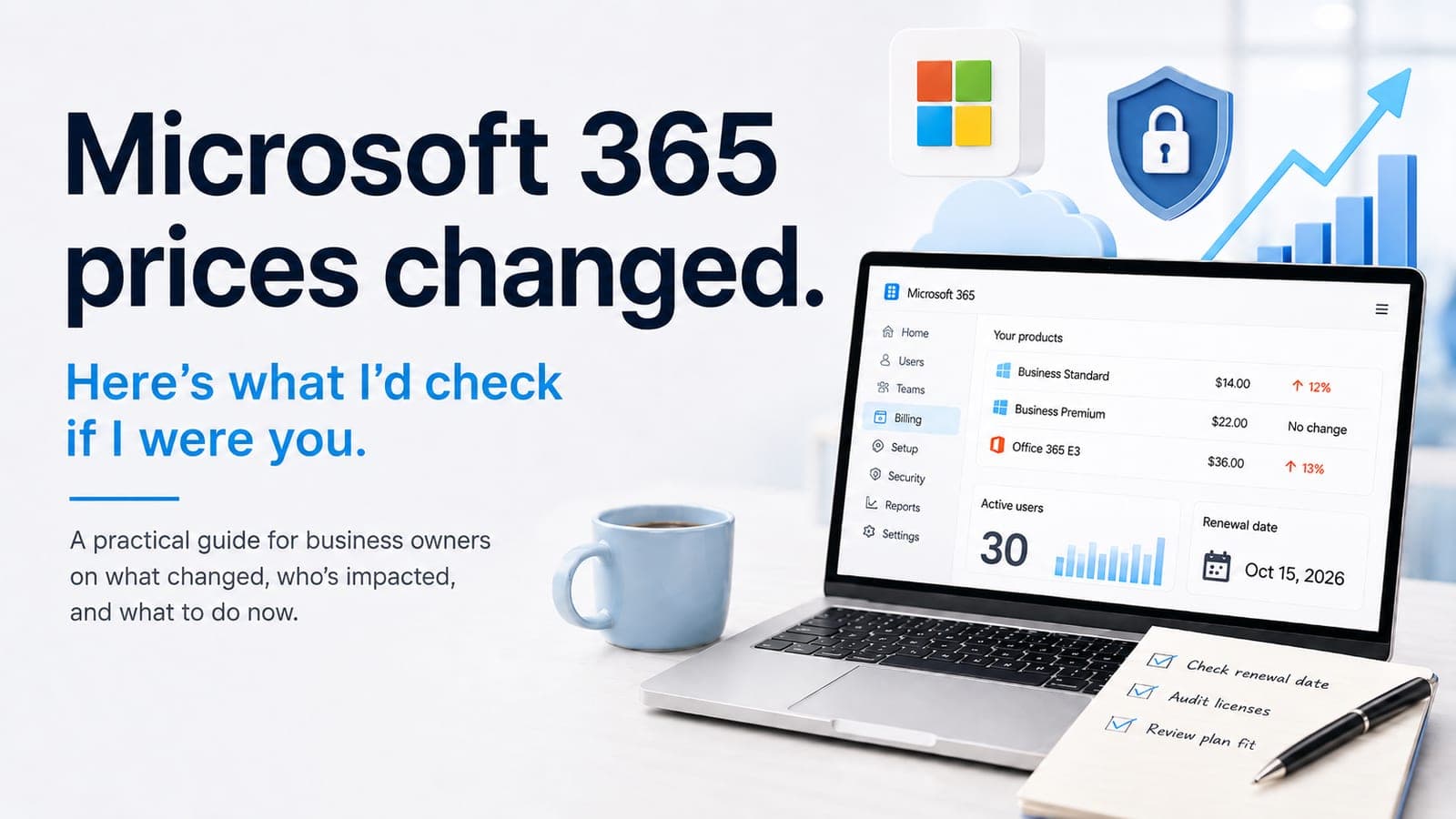
Selected Microsoft 365 commercial suite prices changed on July 1, 2026. Review your plan mix and renewal terms before changing quantities. Check data preservation and service dependencies before removing a licence assignment.
This guide is written for business owners, operations managers, and finance leads reviewing Microsoft 365 renewal 2026 decisions across the UK and Australia. If your environment already depends on mailbox management, SharePoint, device controls, or migration planning, BPro Technologies reviews this through Cloud Solutions, with a structured starting point available through the free assessment.
If the next decision involves Google Workspace migration, SharePoint permissions, Intune rollout, or Microsoft 365 hardening, the most useful supporting reads are the Google Workspace to Microsoft 365 migration checklist, SharePoint file migration checklist, Intune setup checklist, and Microsoft 365 security checklist.
What is the Microsoft 365 price increase in 2026?
Microsoft's licensing update confirms that selected commercial suite prices changed from July 1, 2026. Existing customers retain current pricing until renewal, and list prices vary by country and currency. Check the actual SKU, commitment term, renewal date and reseller quote before deciding what the change means for your next invoice.
Which Microsoft 365 plans changed in price?
The comparison below uses Microsoft's published USD list prices per user per month for annual-commitment commercial suites with Teams. Microsoft lists different prices for versions without Teams. Confirm the SKU, commitment, billing frequency, country, currency and current reseller or Microsoft quote before using these figures for a budget.
| Plan | Previous price | New price | What changed |
|---|---|---|---|
| Microsoft 365 Business Basic | $6.00 | $7.00 | Increase of about 16.7% |
| Microsoft 365 Business Standard | $12.50 | $14.00 | Increase of about 12% |
| Microsoft 365 Business Premium | $22.00 | $22.00 | No price change reported |
| Office 365 E1 | $10.00 | $10.00 | No price change reported |
| Office 365 E3 | $23.00 | $26.00 | Increase of about 13% |
| Microsoft 365 E3 | $36.00 | $39.00 | Increase of about 8% |
Direct answer
For most SMBs, the headline change is simple. Business Standard is more expensive, Business Premium is holding flat, and the decision gap between the two tiers is now narrower than it was before July 2026.
When does the increase affect your renewal?
Microsoft states that existing customers move to the updated pricing at the next renewal after July 1, 2026, for both annual and monthly billing plans. Billing monthly is not the same as a monthly subscription commitment: an annual commitment paid in monthly instalments can remain on its current term pricing until renewal. Check the commitment end date and applicable agreement rather than inferring the change date from how often an invoice arrives.
Inside admin.microsoft.com, go to Billing and then Your products. Check the renewal date on each subscription and document it. If you have mixed plans, mixed billing terms, or separate tenants, the review should happen subscription by subscription.
What new features are being tied to the pricing change?
Reported bundle changes include more mailbox storage for Business Basic and Business Standard, additional URL protection in Outlook, and expanded security or device-management capabilities in higher tiers. That matters in two ways. If you already buy some of those controls separately, the price increase may partially offset add-on costs. If you do not use them, the increase only pays off if your team actually adopts the added features.
Why does Business Standard vs Business Premium matter more now?
The Business Standard vs Business Premium comparison is worth reviewing when you already need device or identity controls. In Microsoft's published USD annual-commitment comparison for suites with Teams, Business Standard changes from $12.50 to $14 while Business Premium remains $22. The listed difference is therefore $8 per user per month. That arithmetic is not a local quote or proof that every user needs Premium; compare the actual licences and controls your business needs.
Business Standard
Often fits teams focused on productivity apps, email, files, and collaboration without a stronger device or identity control layer.
Business Premium
More compelling when you need Intune, stronger identity controls, endpoint security, device policy, and a better baseline for cyber insurance or compliance reviews.
Why the gap matters
At the new pricing, the monthly difference is smaller, so the case for upgrading is easier to model for businesses already feeling pressure around security or device sprawl.
What to review first
Look at user count, admin roles, unmanaged devices, MFA coverage, Conditional Access needs, and whether you are already paying for separate security add-ons.
Which businesses are most affected by the M365 pricing changes?
The impact depends on the licences purchased, renewal dates and agreement terms. Review users, shared mailboxes, contractors and seasonal accounts against their actual requirements; an inactive account may still need retention or other licensed capabilities.
What three checks should businesses run this week?
If you want one practical response plan this week, use this sequence:
- Check every renewal date in admin.microsoft.com so you know when the new price actually reaches each subscription and when you need to decide on renew, change, or consolidate.
- Run an M365 licence audit across active users, former staff, contractors and test accounts. Check retention and service dependencies before removing assignments. Unassigning a licence does not itself reduce the purchased subscription quantity or bill; reduction windows depend on the agreement and renewal terms.
- Re-model Business Standard vs Business Premium for your current user count, device mix, and security requirements before renewing on autopilot.
What should a Microsoft 365 licence audit cover?
A useful M365 licence audit should not stop at plan names. It should review active vs inactive accounts, renewal dates, mailbox use, shared accounts, admin roles, device-management needs, security controls already paid for elsewhere, and whether the current plan mix still matches how the business actually works. If the review is tied to a broader support or security question, it often overlaps with Managed IT Services or a project scope review.
What should UK and Australian businesses do next?
If your business renews Microsoft 365 in the second half of 2026, the safest move is to review now rather than wait for the invoice. Confirm renewal timing, remove inactive licences, and test whether Business Premium now makes more sense for the users handling sensitive data, shared devices, or remote access. That gives leadership a decision based on scope and risk, not just line-item price movement.
Discuss your Microsoft 365 renewal
BPro Technologies reviews active versus inactive licences, renewal timing, plan fit, and Microsoft 365 security or device-management gaps for growing businesses that want a cleaner renewal decision.
Get Free IT Assessment/ Article map
What is the Microsoft 365 price increase in 2026?
Which Microsoft 365 plans changed in price?
When does the increase affect your renewal?
What new features are being tied to the pricing change?
Why does Business Standard vs Business Premium matter more now?
Which businesses are most affected by the M365 pricing changes?
Sources
Frequently Asked Questions
When does the Microsoft 365 price increase 2026 take effect?
Microsoft states that the selected commercial pricing changes take effect from July 1, 2026 and existing customers remain on current pricing until renewal. Check the commitment term and renewal date, not just whether invoices arrive monthly. Confirm the exact SKU, country, currency and reseller terms before budgeting the new rate.
Which Microsoft 365 plans were reported as unchanged?
Microsoft's published table for this July 2026 update lists no change for Microsoft 365 Business Premium or Office 365 E1, while Business Basic, Business Standard, Office 365 E3 and Microsoft 365 E3 increase. Check whether your SKU includes Teams and confirm local pricing and renewal terms.
Why does Business Standard vs Business Premium matter more now?
In Microsoft's published USD comparison for annual-commitment suites with Teams, Business Standard increases to $14 and Business Premium remains $22 per user per month. The listed difference is $8. Use your actual country, currency, SKU and required controls to assess whether an upgrade makes sense.
What should an M365 licence audit include?
A useful licence audit should review inactive users, duplicate accounts, renewal dates, shared mailboxes, admin roles, device-management requirements, and whether the current plan mix still fits the business after the July 2026 price change.
Does the Microsoft 365 price increase affect the UK and Australia?
Yes. Microsoft describes the change as global, with local market adjustments. Businesses in the UK and Australia should confirm the exact SKU, currency, renewal date and local figures with their reseller, CSP partner or Microsoft billing portal.
/ Choose the next step
Move from article guidance to a practical review path.
Pick the route that best matches the issue behind the article so the next conversation starts with the right scope.
Cloud path
Review the cloud or migration scope
Use the free assessment when the priority is Microsoft 365, Google Workspace, Azure, SharePoint, Intune, backup readiness, or a migration plan that needs technical review.
Service path
See the cloud services delivery model
Review how BPro Technologies handles Microsoft 365, cloud governance, migration planning, identity settings, backup, and operating handover.
Project path
Share a migration or tenant requirement
If the move already has business pressure behind it, send the current tools, users, timeline, and dependencies so the team can review it properly.