Skip to content
All industries

/ Dental practices IT support

Dental IT support for growing practices

Dental IT support for practice computers, secure access, networks and tested backups. Keep reception and treatment teams connected with clear vendor ownership.

For independent dental practices, new practices and growing groups that need accountable business IT support.

Review your IT priorities
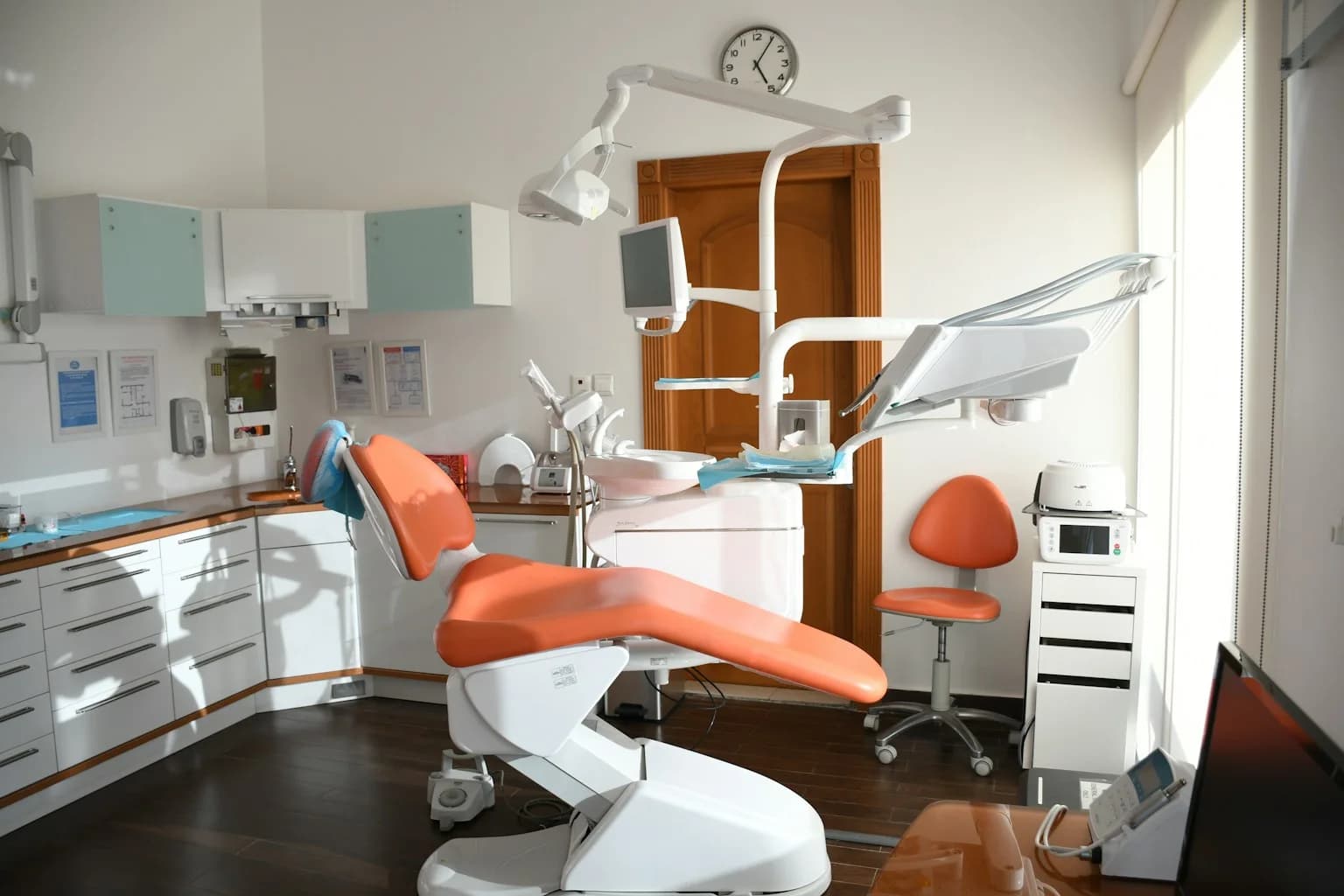
Orange dental chair, examination light and equipment inside a bright treatment room
Illustrative photography by Atikah Akhtar / Unsplash.

/ Direct answer

What does IT support for dental practices cover?

Dental IT support manages the computers, accounts, connectivity and recovery arrangements around a practice's daily work. BPro supports agreed business IT, Microsoft 365 or Google Workspace, endpoint security and backup oversight. We document how reception, treatment-room workstations and practice applications connect, then coordinate software or imaging issues with the responsible vendor.

/ Common situations

Where support needs to fit the way you work.

Reception cannot reach the appointment system

A sign-in failure, workstation fault, internet interruption or application outage can look similar to the person at reception. We check the agreed IT dependencies, record which users are affected and coordinate vendor escalation. The practice lead decides how appointments and patient communication are handled while the issue is investigated.

An imaging workstation needs a change

A supported operating-system update may still affect an imaging bridge, peripheral driver or specialist application. We record vendor requirements and approval before changing the managed workstation or network. Sensor calibration, clinical equipment repair and specialist imaging configuration stay with the authorised provider unless separately agreed.

A practice adds staff or another location

Growth changes access, device counts, licensing and recovery dependencies. We review named accounts, role approvals, shared workstations and the connections each location needs. A new-site plan identifies the installation provider, application vendor and practice owner before equipment or access is handed over.

/ How we work

A practical scope, then accountable delivery.

01

Map one practice workflow

Follow a representative task from reception to the treatment room: the user, workstation, connection, practice application and relevant data store. Record software versions, vendor contacts and existing support contracts. Discovery starts with an inventory and discussion rather than patient records or shared passwords.

02

Agree and maintain the IT baseline

Prioritise supported devices, staff access, MFA where supported, endpoint protection, email security and network changes. Coordinate maintenance with opening hours and vendor restrictions. The proposal identifies included systems, response targets, licensing and any physical work that needs another provider.

03

Validate recovery and handovers

Confirm who protects each dataset, choose an approved recovery sample and ask an authorised practice user to check the restored result. Record dependencies and unresolved gaps. Review the same access, backup and escalation records when staff, applications or locations change.

The starting checks

  • Trace an unavailable appointment or imaging workflow to the right support owner
  • Plan device changes around opening hours and vendor requirements
  • Check which practice records and systems can actually be restored

/ Assessment scope

Check the IT dependencies behind a practice day

A useful dental IT review follows a real task rather than a list of products. Identify the person who approves the work, the systems they need and the record that will show whether the agreed check passed.

These are scoping examples. The proposal confirms which checks and records are included.

Dental practices IT assessment checks and review records
Area to reviewPractical checkRecord to inspect
Reception and treatment-room accessValidate an approved staff account, managed workstation and connection to the practice application.A dependency map with practice, application-vendor and IT contacts.
Workstation and imaging dependenciesCompare the planned device or network change with the specialist vendor's supported requirements.A compatibility and approval record, including equipment that is outside the IT agreement.
Practice data recoveryIdentify the owner of application data, images, files and email; restore an authorised representative sample.A coverage register and test result with usable data, recovery time and unresolved gaps recorded.
Starters, departures and new locationsReview role approvals, device readiness, supplier access and installation responsibilities.A handover checklist with named owners and acceptance checks for each affected site.

What to bring to the first discussion

  • List users, workstations, locations and the applications needed at reception and in treatment rooms.
  • Bring software and imaging-vendor contacts, support agreements and backup responsibilities; do not send patient records or passwords.
  • Identify the practice manager who approves access, maintenance, supplier coordination and spending.

Responsibilities to agree

The practice owns clinical decisions and determines regulatory requirements with its advisers. Application publishers and authorised equipment providers retain their specialist work. BPro's proposal assigns the business IT, support and records we will deliver. Check each product's current requirements before approving a change; a browser application and its imaging components may have different dependencies.

/ Managed service commitments

Coverage you can inspect before work starts.

24/7

Monitoring & helpdesk

For every managed client.

Scoped

Onboarding plan

Timing agreed after discovery.

Written

Response targets

Agreed by priority and scope.

Defined

Escalation path

Contacts and ownership documented.

/ Questions

Questions about IT support for dental practices.

What does managed IT for a dental practice include?

A scoped agreement can cover helpdesk support, business workstations, accounts, Microsoft 365 or Google Workspace, network management, endpoint security, patching and backup oversight. Dental application, imaging and equipment responsibilities are listed separately so the practice knows which provider handles each fault.

Can you help with Dentally, Dentrix or other practice-management software?

We can review the agreed computers, accounts, connectivity and servers around your chosen platform and coordinate faults with its publisher. Tell us the product, version and existing vendor contract before we confirm coverage. Specialist application configuration, database work and imaging integrations require explicit scope and the appropriate vendor approval.

How do you approach dental cybersecurity and patient-data access?

Start with individual staff identities, approved roles, supported MFA, protected devices, controlled administrator access and an incident reporting route. Review guest connectivity separately from practice systems. Your practice determines access approval and data-handling requirements; we implement and document the agreed technical controls.

Does a cloud dental application remove the need for backup planning?

Confirm what the vendor stores, its recovery options, retention and the practice's export or restoration rights. Map separately held files, images, email and configuration. Select the backup approach around those responsibilities, then test an authorised sample. A cloud subscription alone does not describe how the whole practice resumes work.

Can you help with dental IT requirements related to HIPAA or GDPR?

BPro can scope access controls, device protection, recovery checks and technical records within the practice's wider programme. The practice and its advisers decide which obligations apply, retention rules and required supplier agreements. IT support does not itself establish HIPAA or GDPR compliance, and no patient data is needed for the initial enquiry.

How much does dental IT support cost?

Pricing depends on users, workstations, locations, servers, security tools, backup coverage and support responsibilities. Share those counts, application vendors and current problems for a scoped proposal. Ask which licences, hardware, installation and specialist software work are included or separately charged rather than comparing a monthly headline alone.

Can you help when we open a practice or change IT provider?

Yes. We can plan the agreed business IT, access and handover work with your existing providers. The plan identifies application ownership, administrator access, backup arrangements, licences, open issues and acceptance checks. Cabling, equipment installation and clinical-device work need an identified provider; timings follow discovery and approvals.
See the services behind the plan.

The right mix depends on your systems, internal capacity, and risk. These pages explain the services most often relevant to this industry.

Before choosing a support plan, review our onboarding deliverables and sample service evidence. These show the records to ask for, rather than promising an outcome for your organisation.

Start with your current environment.

Tell us what is working, what is at risk, and which systems your team cannot afford to lose. We will recommend a focused assessment and agree the next step.

Request an IT assessment